
The big screen
The living-room storytime
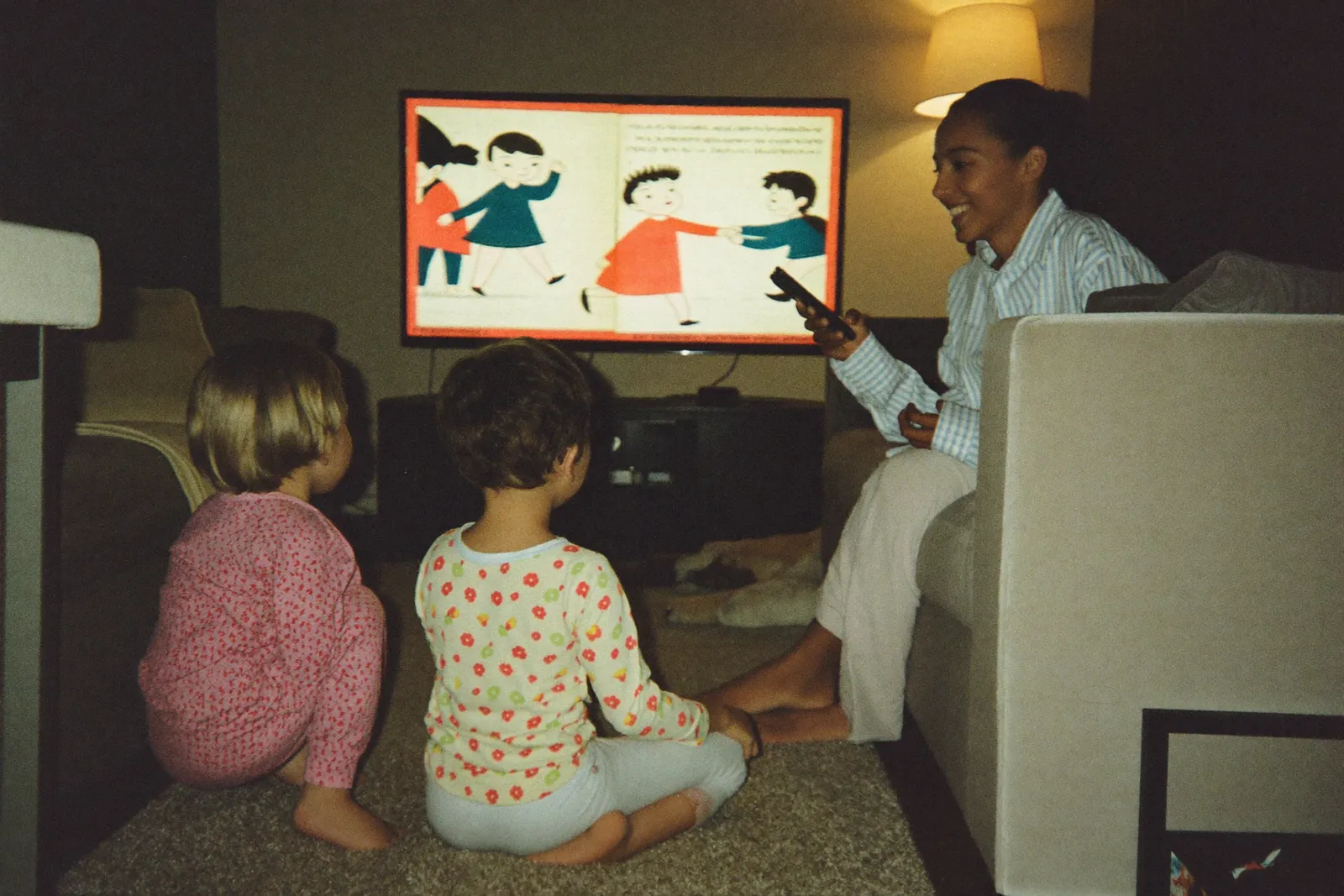
Voicebooks on the television — Apple TV, Android TV, Google TV, Fire TV, Samsung and LG. Big pages, the family's voices, a remote a four-year-old can drive. Pair it from a phone; no typing.
How it works
Paired in a minute, no keyboard
-
Open the app on the TV
It shows a short code. That's all a television has to do. -
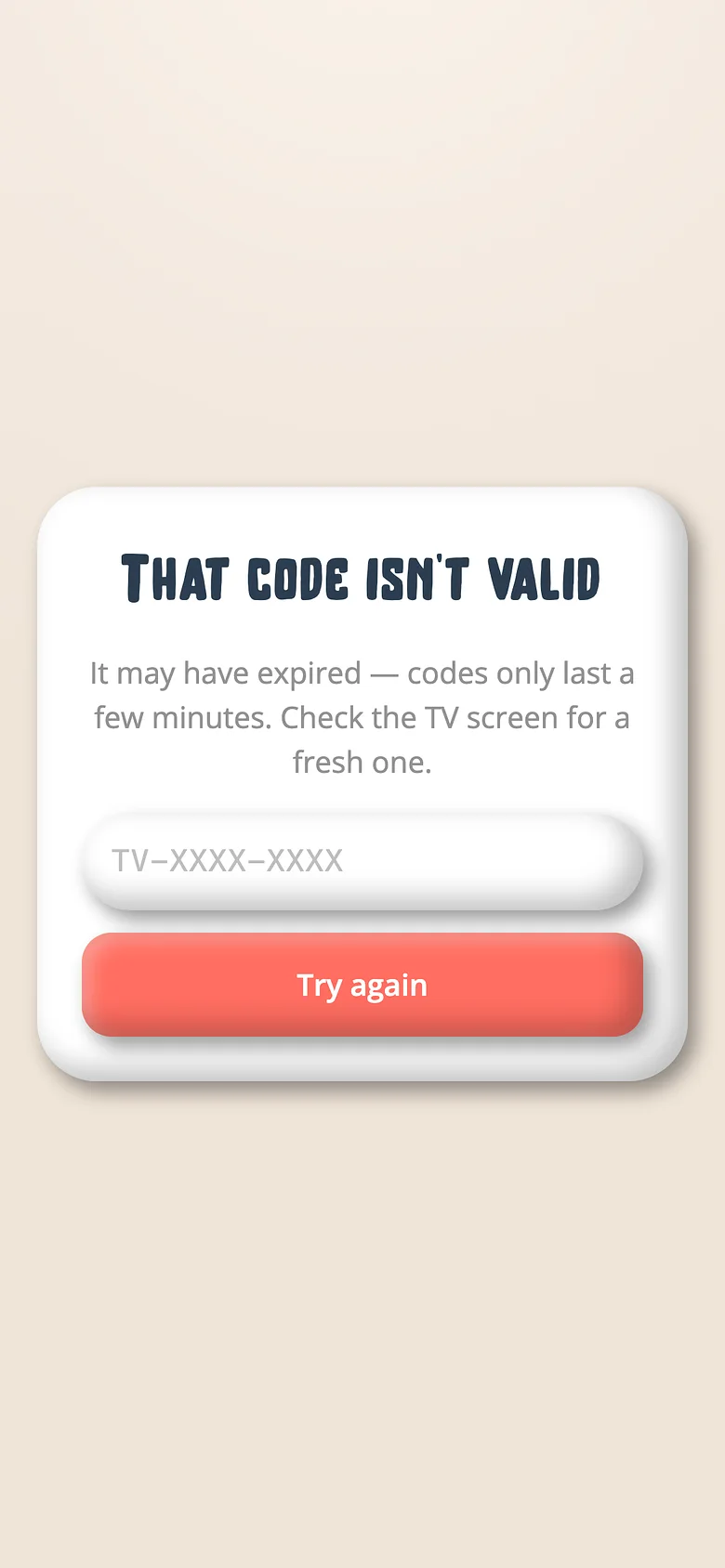
Approve it from a phone
Go to getvoicebooks.com/pair, type the code, tap approve. The TV is signed in to the family. -
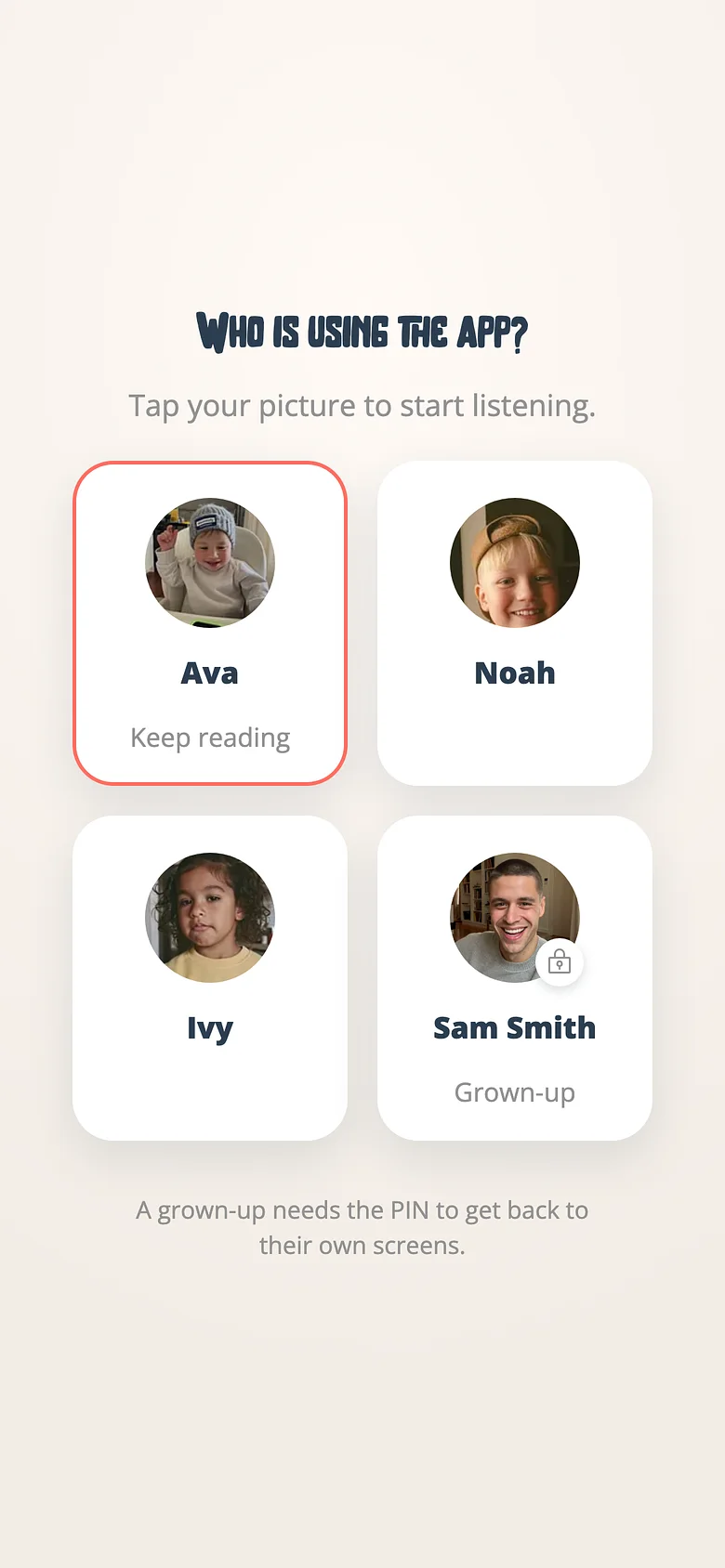
Pick who's watching
The TV always lands on the profile chooser. A child picks their name and sees their own shelf — never the grown-up side. -
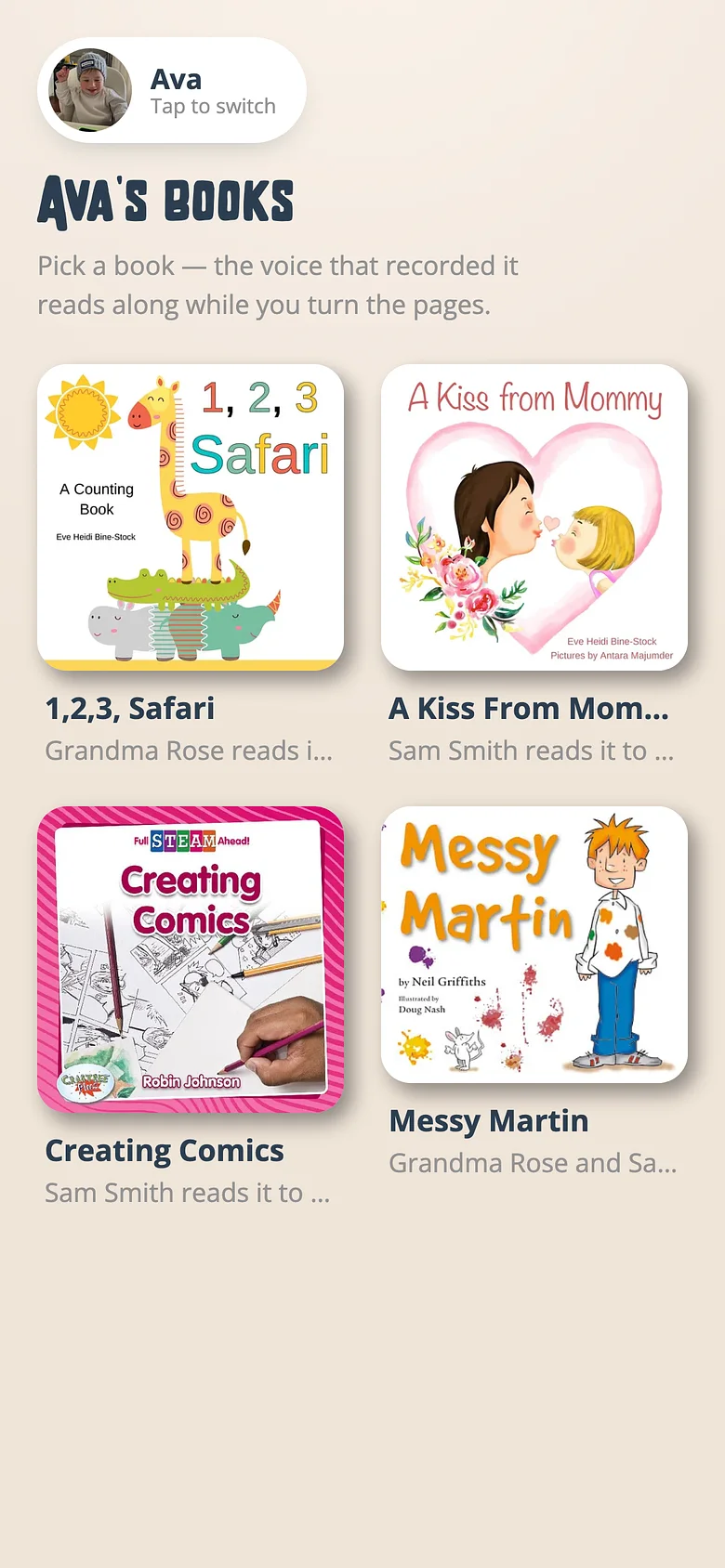
Read along, big
Pages fill the screen, the voice reads, the remote turns them. Back goes back. Nobody can buy anything from a remote.
Every television, one app
Apple TV
A native tvOS app.
Android TV, Google TV, Fire TV
One app for all three.
Samsung and LG
Tizen and webOS, from their own stores.
Listener-only
A TV has no grown-up side. Sign-out is one press; nothing else is reachable.
Same recordings, same shelves
Whatever plays on the phone plays on the TV, playlists included.
A profile per child
The chooser is the front door. Each child sees their own voices.
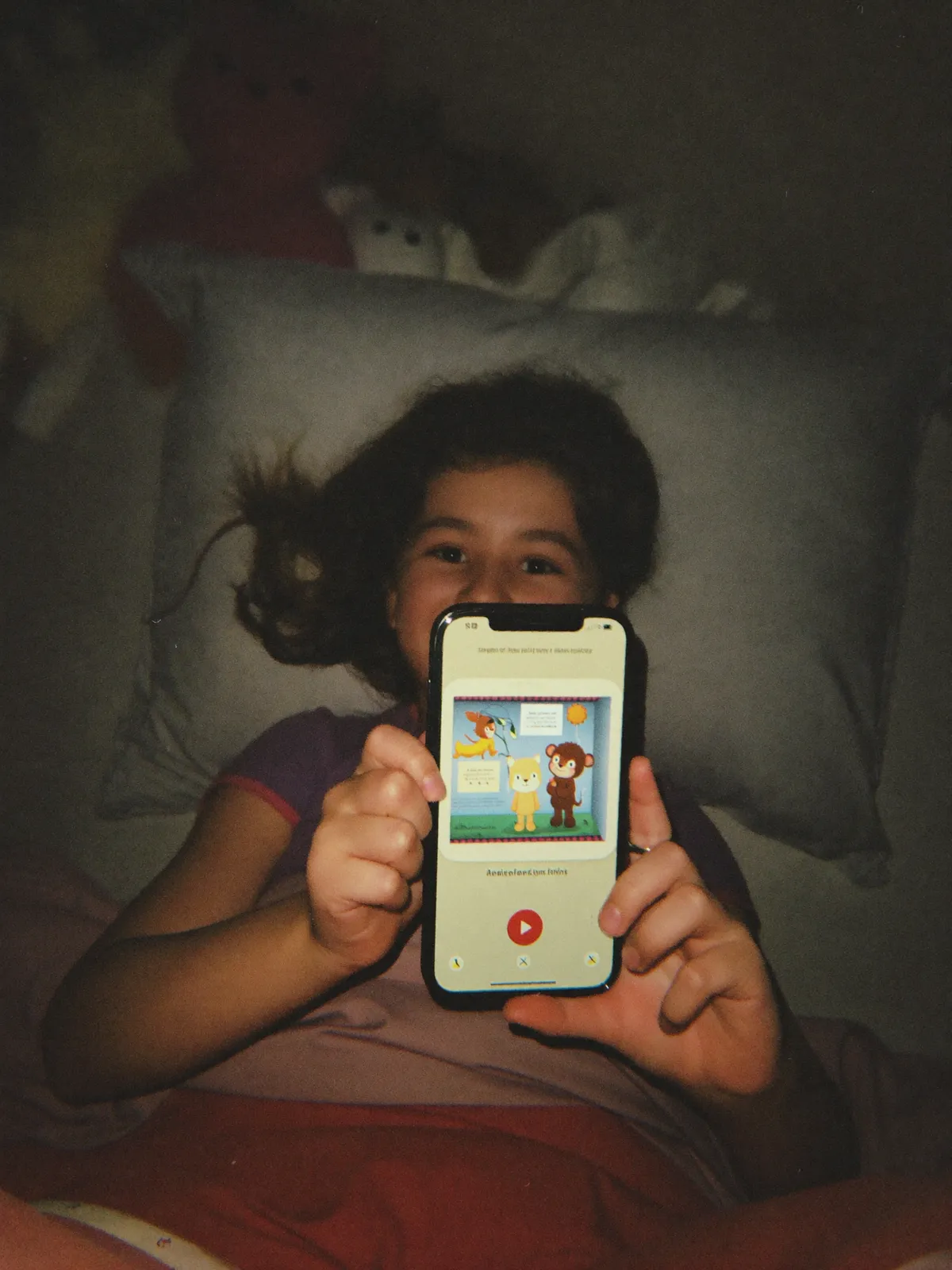
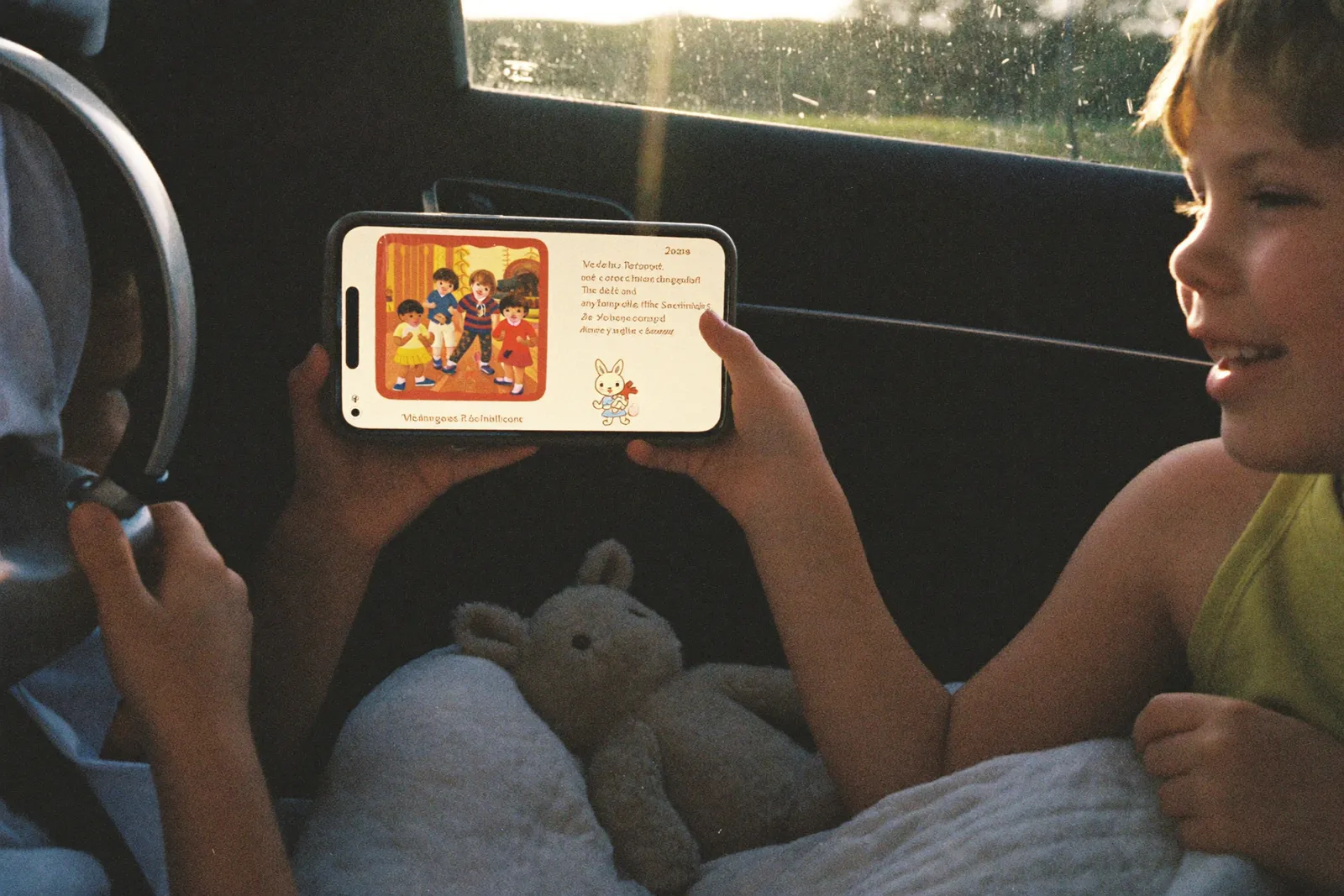
Put it on the big screen
Free on every plan. Pair it from the phone you already have.

Questions about smart tvs
Apple TV (tvOS), Android TV, Google TV and Fire TV, Samsung (Tizen 7 and later) and LG (webOS 23 and later).
No. The TV shows a code; you approve it from a phone or a browser. That's the whole sign-in.
No. A television is listener-only. It opens on the profile chooser and its only way out is back to it.